hebpath

Get HEBPath Ready
It seems you haven't set up HEBPath yet, or forgot you have to share your cart to the shortcut.
1

Enable “Allow Running Scripts”

This lets the app process your cart and compute a route.

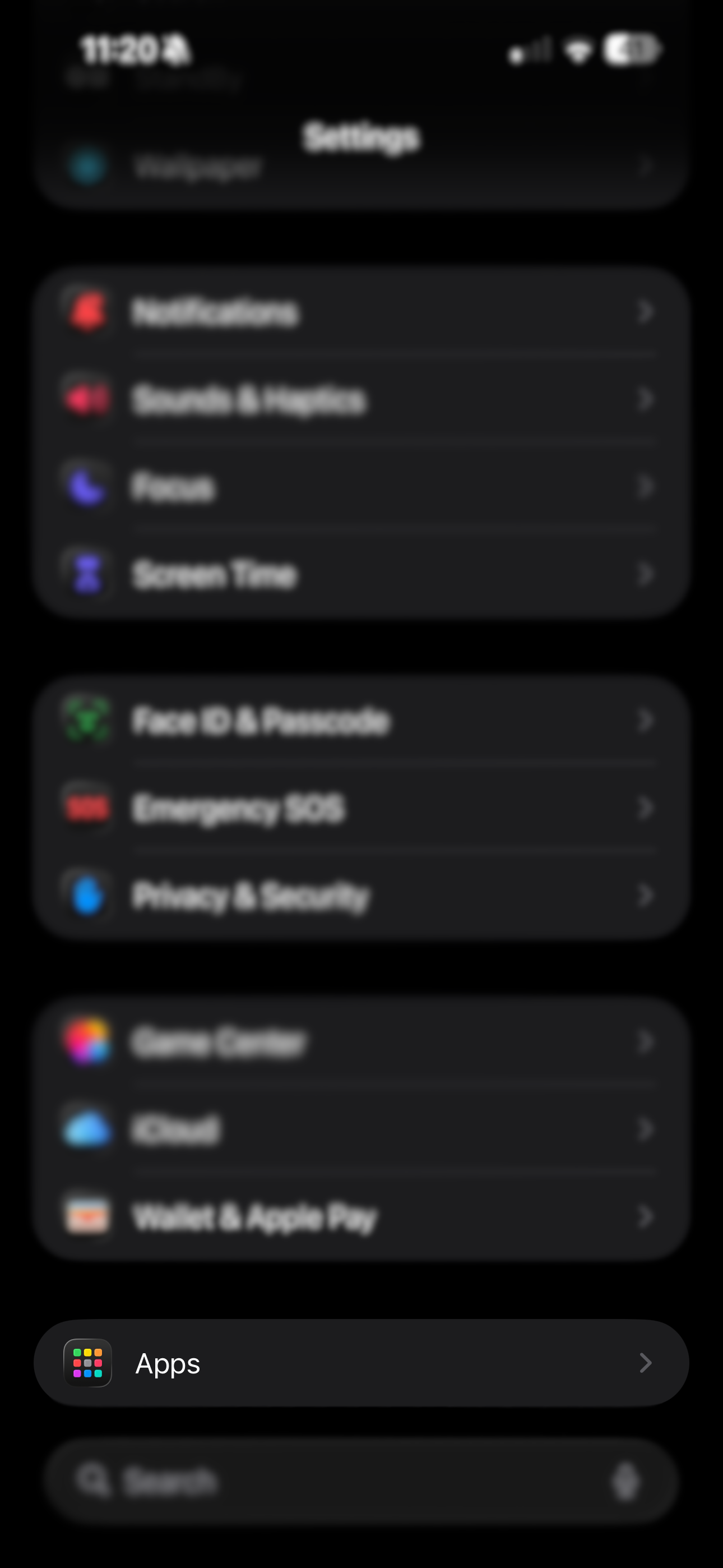
  1. Open the Settings app on your iPhone.
  2. Scroll all the way down until you find Apps.
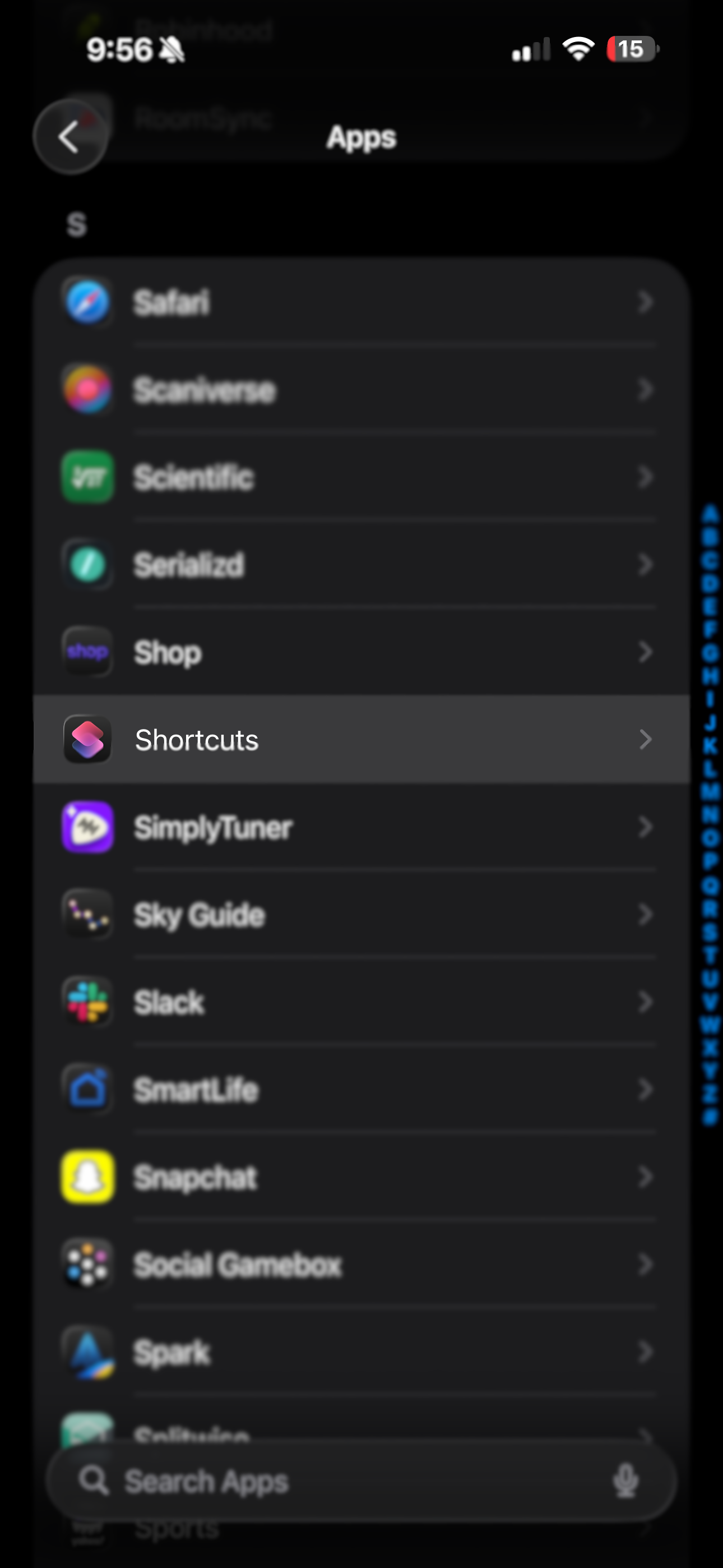
  3. Scroll down to the Shortcuts app.
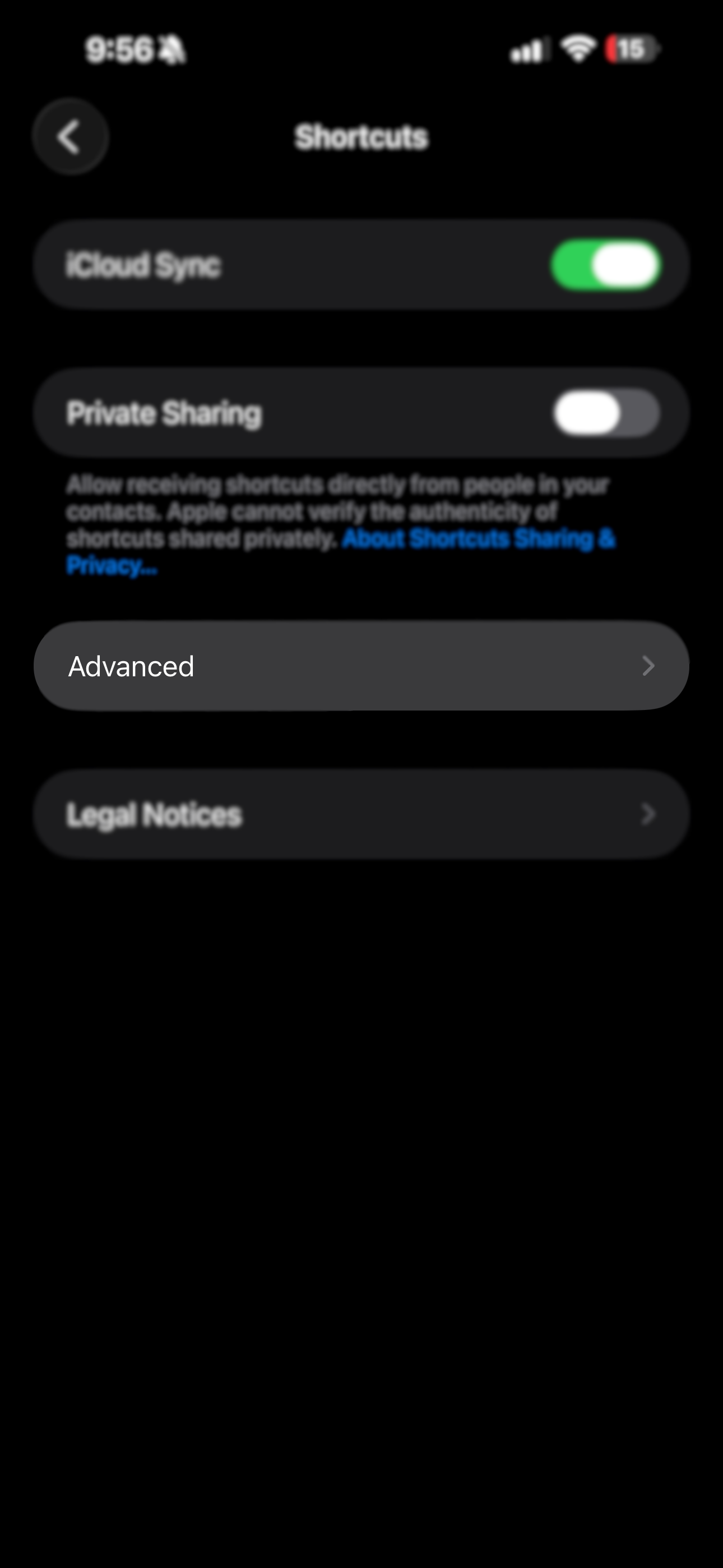
  4. Scroll down and tap Advanced.
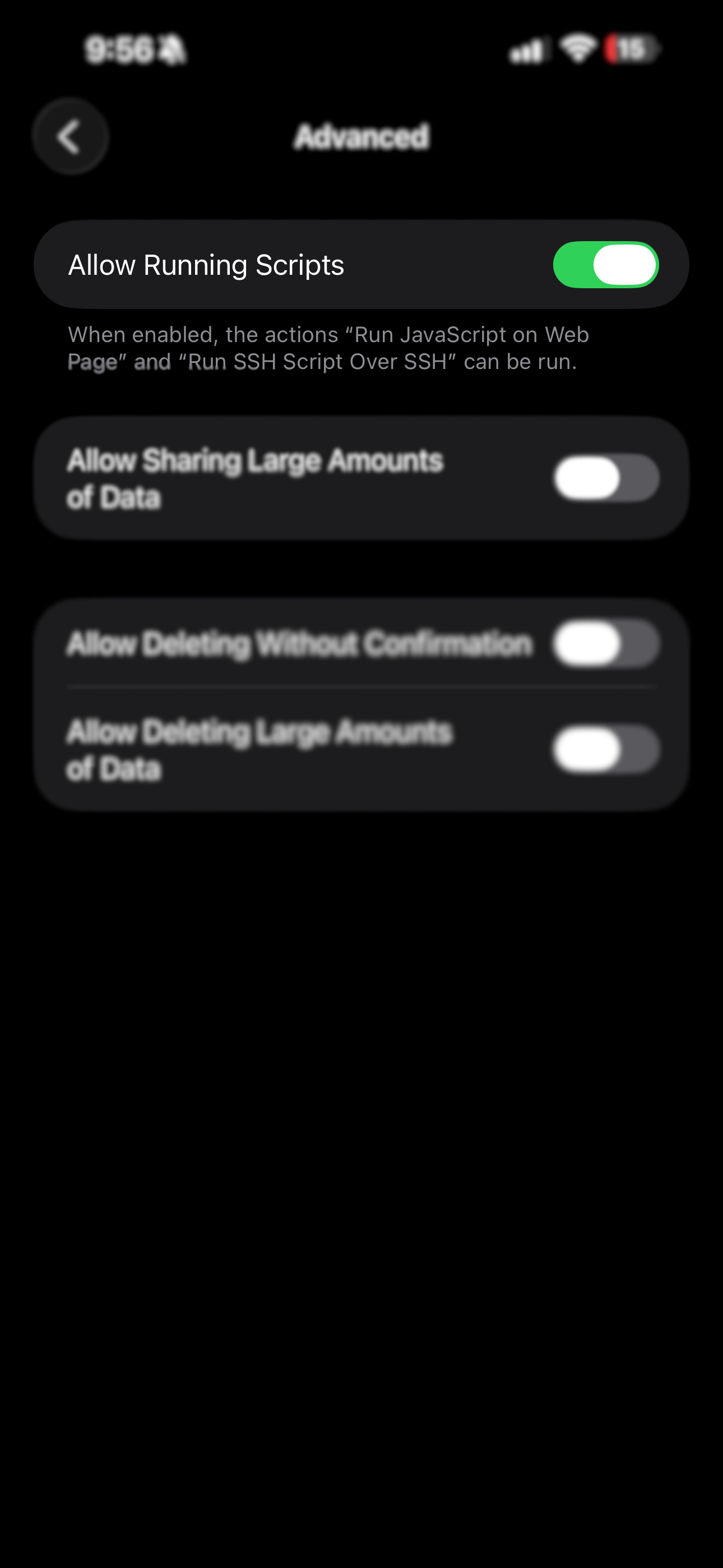
  5. Turn on Allow Running Scripts.
Settings app list with Apps section Shortcuts app settings Advanced settings section Allow Running Scripts toggle enabled
2

Add the Siri Shortcut

This shortcut sends your H-E-B cart to HEBPath.

3

Share your H-E-B cart to the shortcut

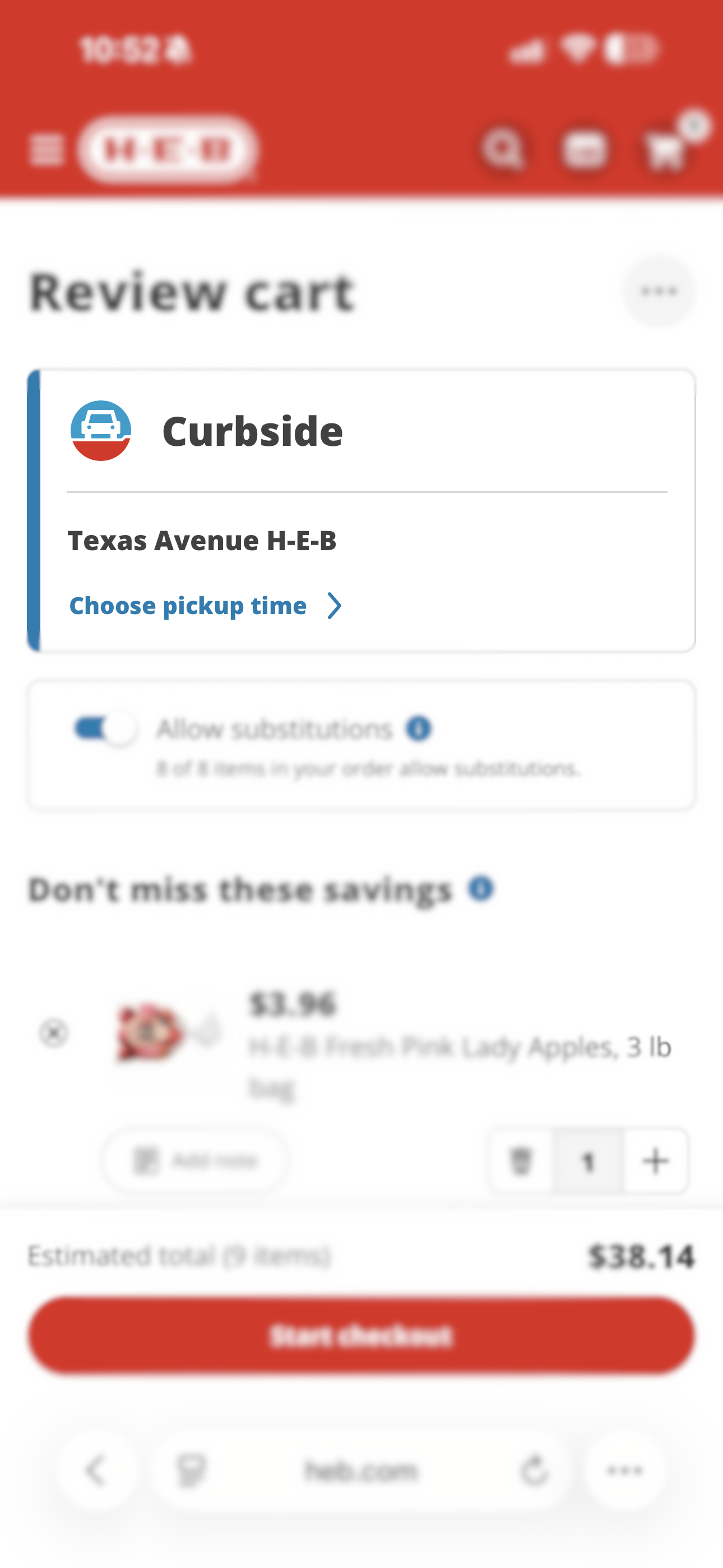
  1. Open your H-E-B app and go to your Cart.
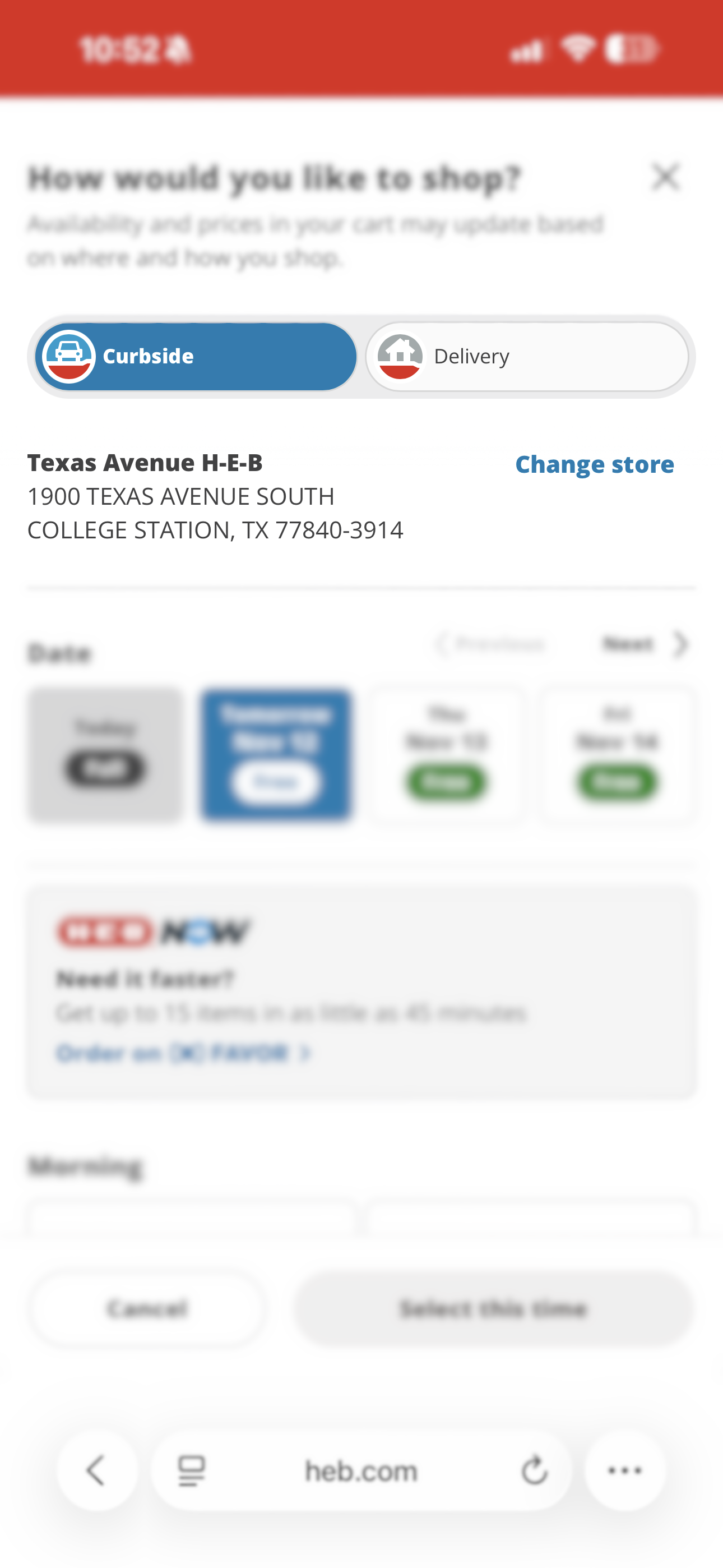
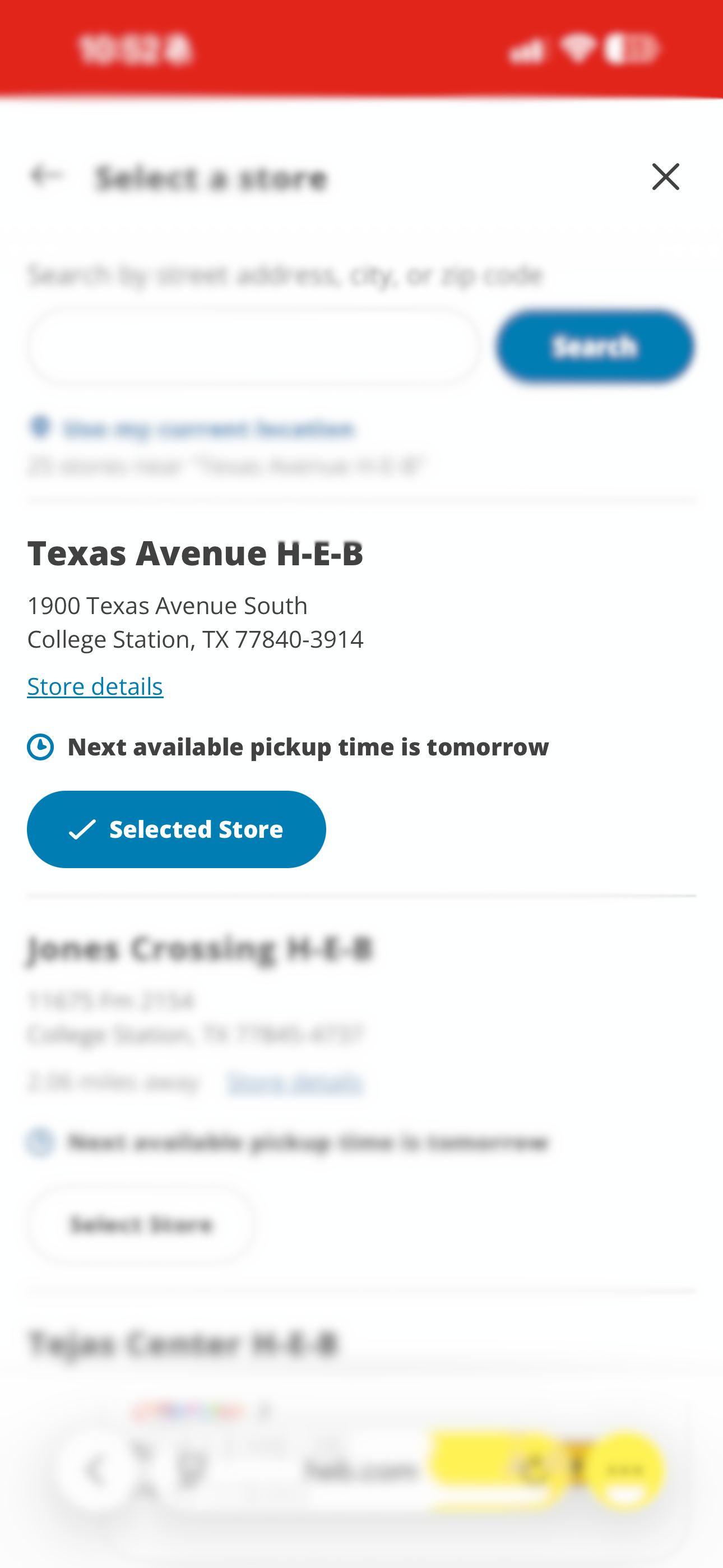
  2. You may have delivery or the wrong location selected. To change this:
    1. Tap Choose Pickup Time.
    2. Tap Change Store.
    3. Select your preferred store from the list.
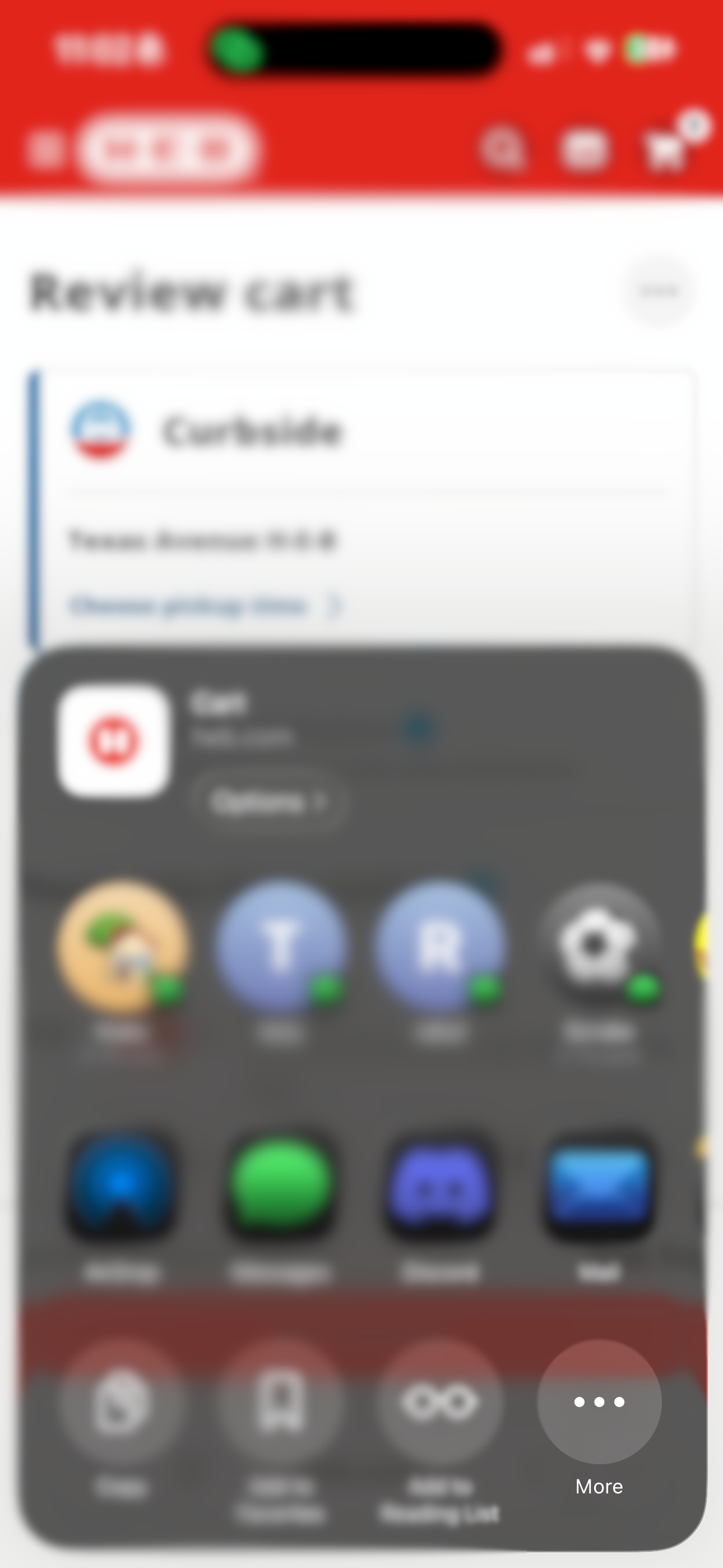
  3. Tap the (three dots) menu.
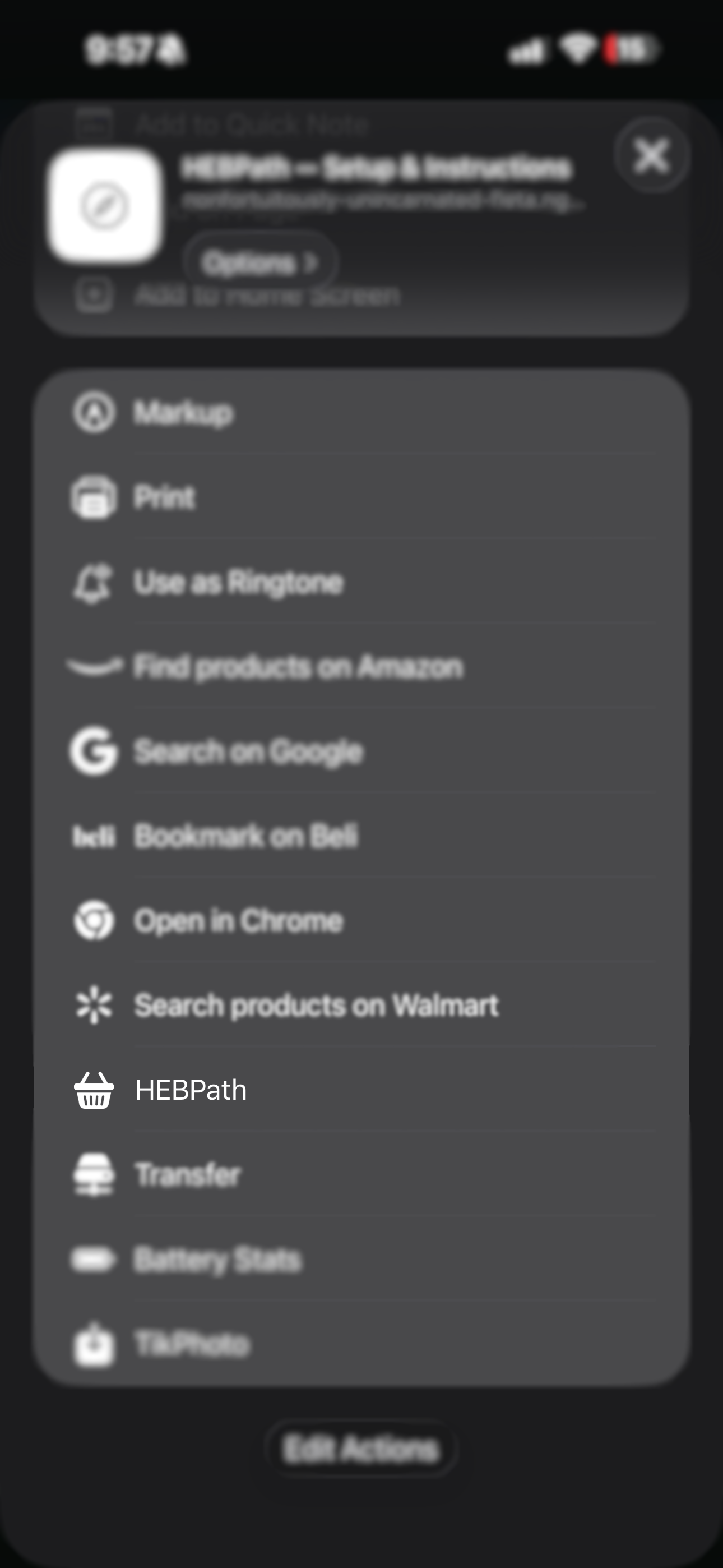
  4. Tap Share.
  5. In the share sheet, scroll down until you see HEBPath, then tap it.

Tip: If you don't see it, scroll all the way to the bottom and tap Edit Actions… to enable it.

Choose pickup time Change store Selected store Cart overflow menu More share options Share sheet with HEBPath

Questions later? You can always reopen this page by clicking the instructions at the top of the page. To go back click here.